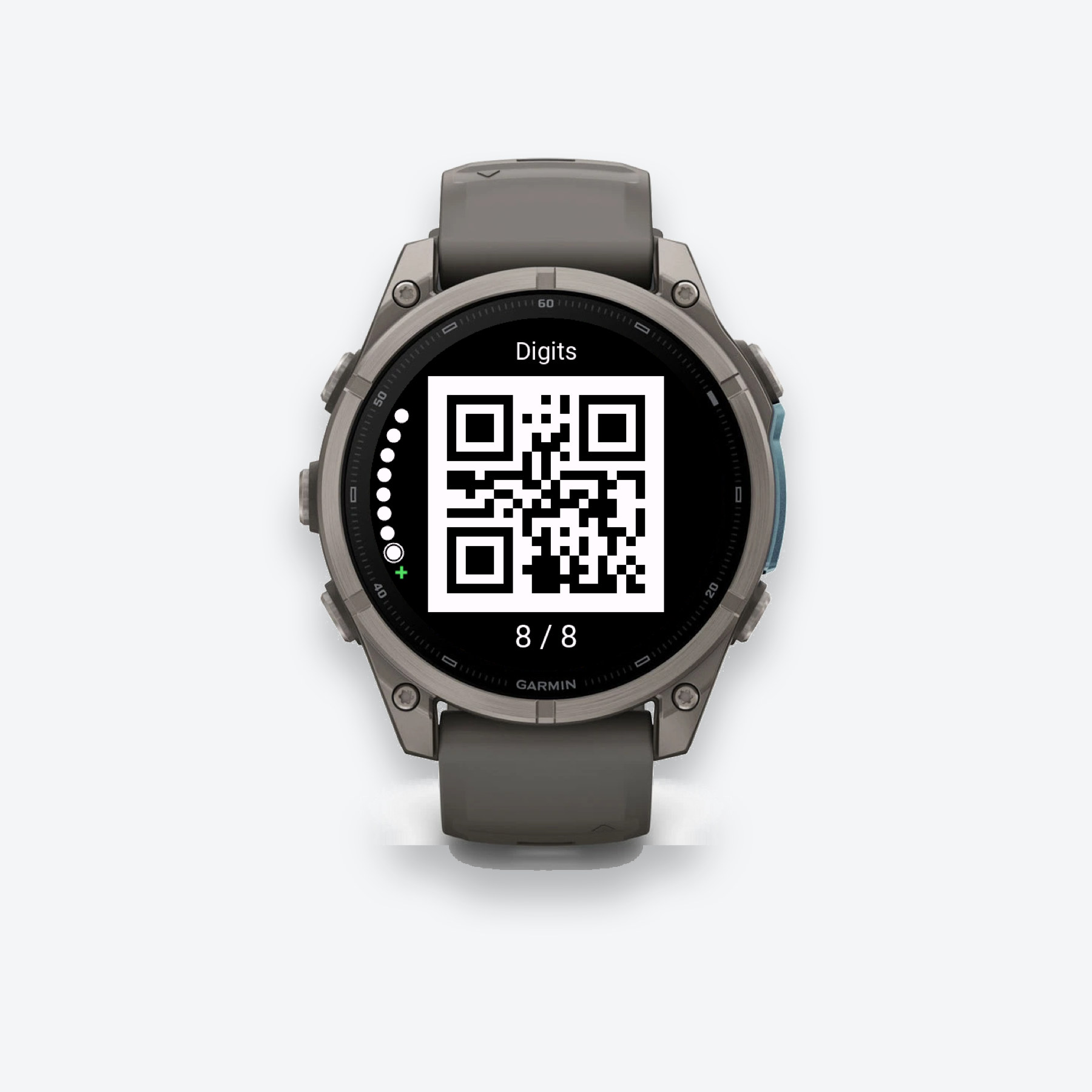
GALLERY FREE & PRO
Edit in Connect IQ.
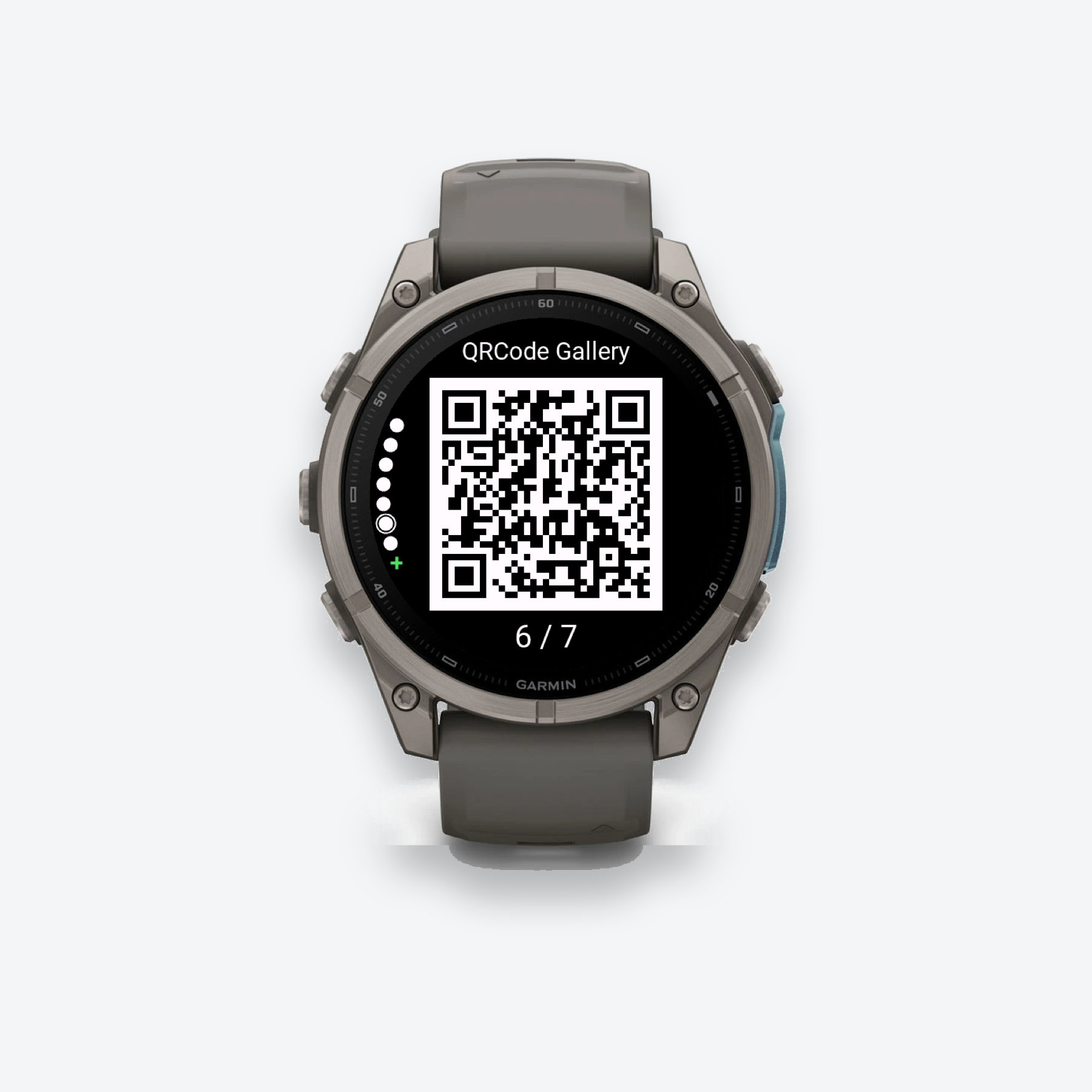
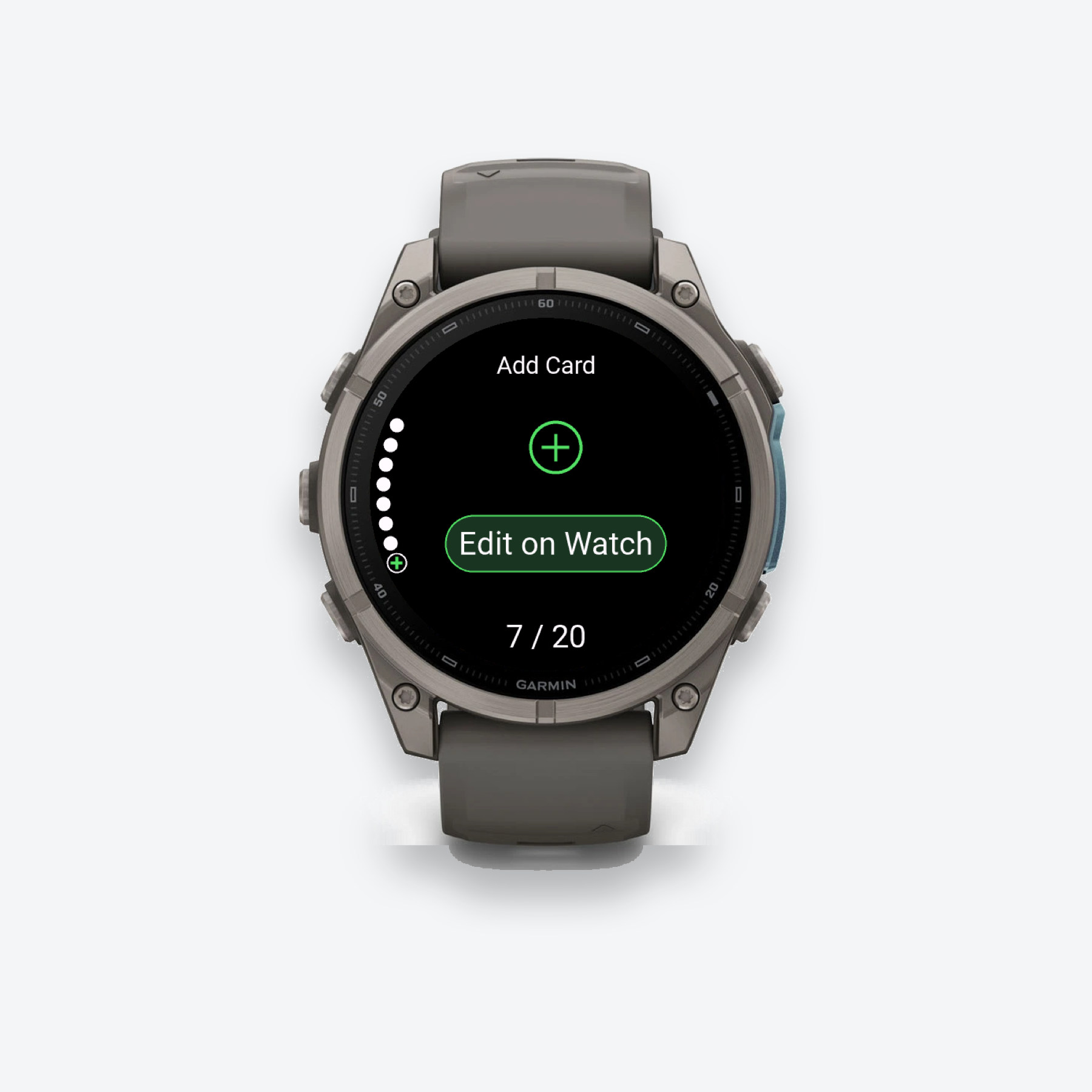
Add new cards or change existing ones using your phone keyboard.
- Open the Garmin Connect IQ app on your phone. Select QRCode Gallery, then open its settings.
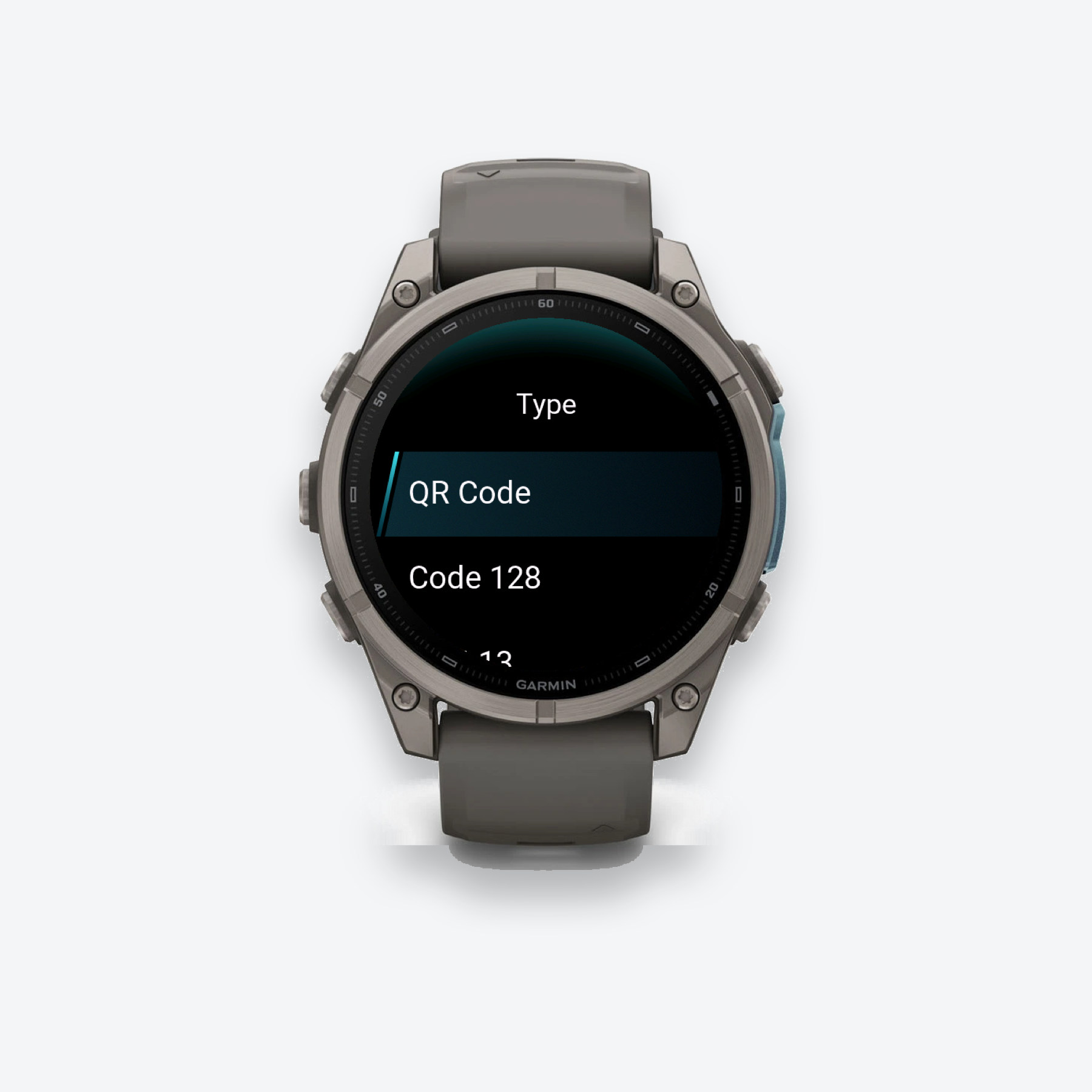
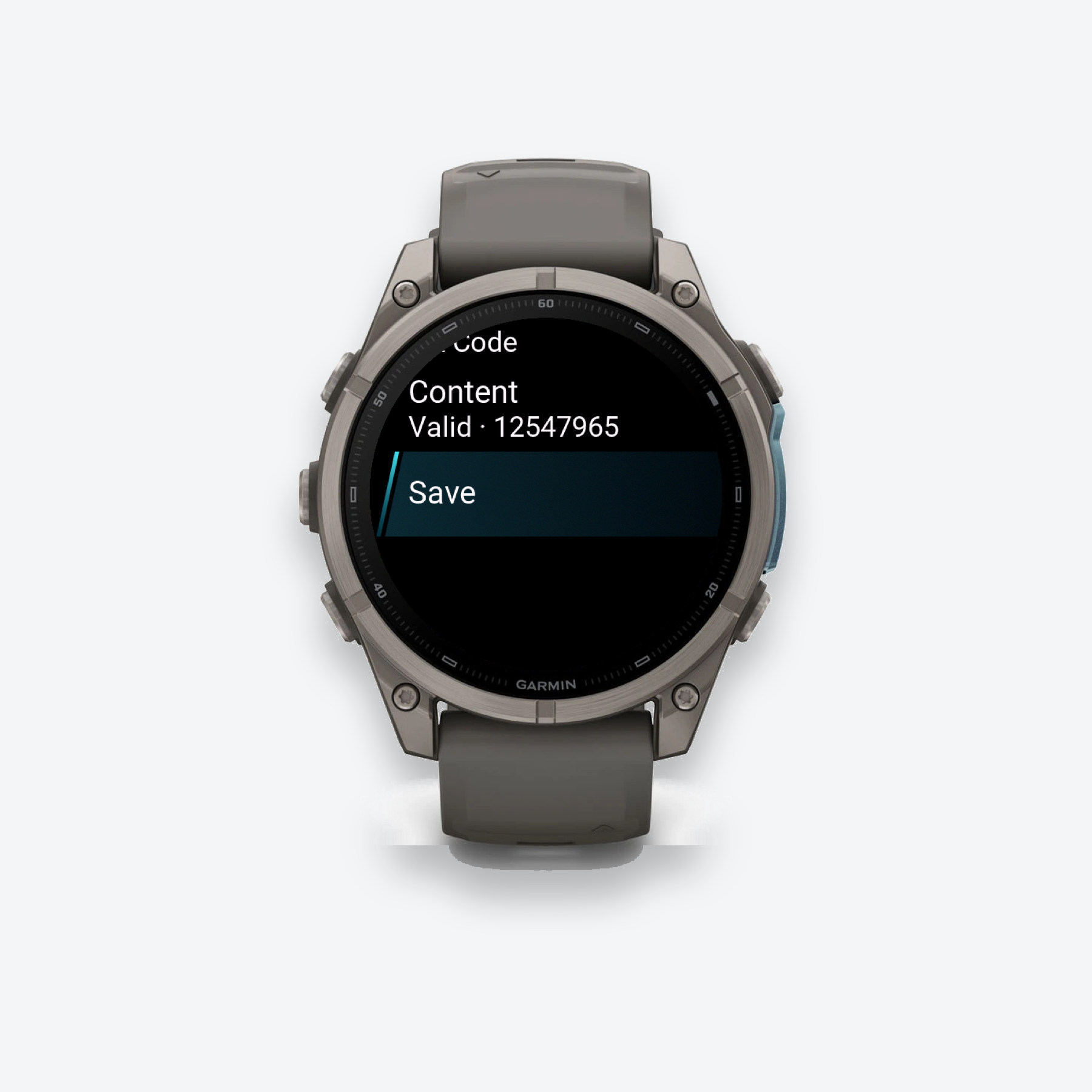
- Choose a card slot. Enter or update its name, code type, and original code content.
- Save your settings and let the changes sync to your connected watch.
Changes not showing on your watch? Garmin phone-to-watch connection issues can prevent settings from syncing. Check the connection and try again, or use Gallery Pro’s on-watch editor on a supported device.